Table of contents
🎗️ Graphic standards
How is it used?
Websites and App
It is possible to insert the “Sign with IO” button on the page dedicated to signing the documentation. The rules for application are provided below.
Specifications
The “Sign with IO” button is comprised of three main elements that cannot be changed: logo, font and color.
Logo
The button must always contain the IO logo, without changes to the proportions or distortions of the dimensions.
Font
The text “Sign with IO” must always be present next to the IO logo. The font used for it must be Titilium Web Bold with body 14 px, letter spacing 0.3 px
Color
The background color of the “Sign with IO” button must be Main Blue #0073E6, the applied elements, such as the logo and text, must be displayed in white.
Dimensions
It is possible to enlarge the button based on visual requirements. The following dimensions cannot be changed: the height is 40px, upper and lower padding is 11 px and finally the rounding radius of the corners of the button is 4 px.
Language
It is possible to translate the “Sign with IO” text into the language selected for the provision of the service.
Application examples
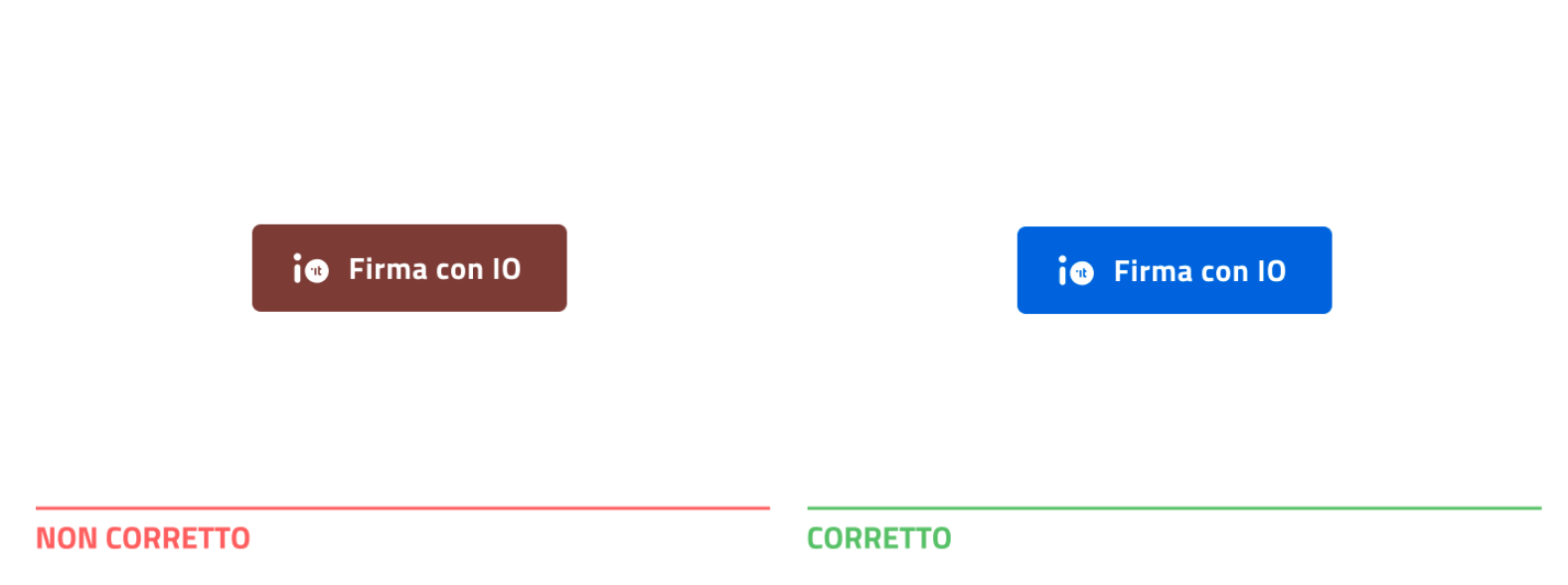
Color
To the left, a color other than Main Blue #0073E6 is used incorrectly, the correct application is shown to the right.
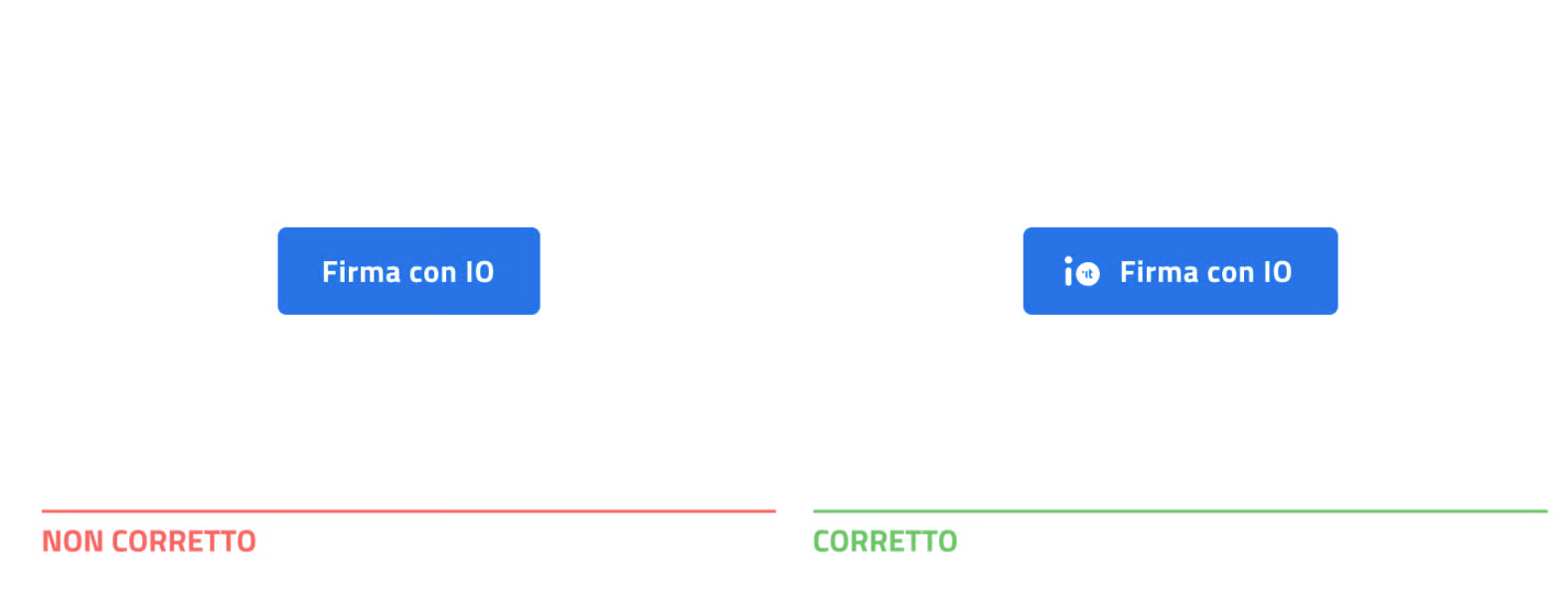
Logo
The example to the left is not correct because the button does not have the IO logo. The correct use of the “Sign with IO” button is shown on the right.
Font
The example to the left shows the incorrect use of the font, therefore the correct example is the one shown to the right, where the text has the correct font, Titilium Web Bold.
.png)


Ongoing support
For problems or questions after integration, write to us at the address enti-firmaconio@assistenza.pagopa.it