Table of contents
How to access the PDND front office
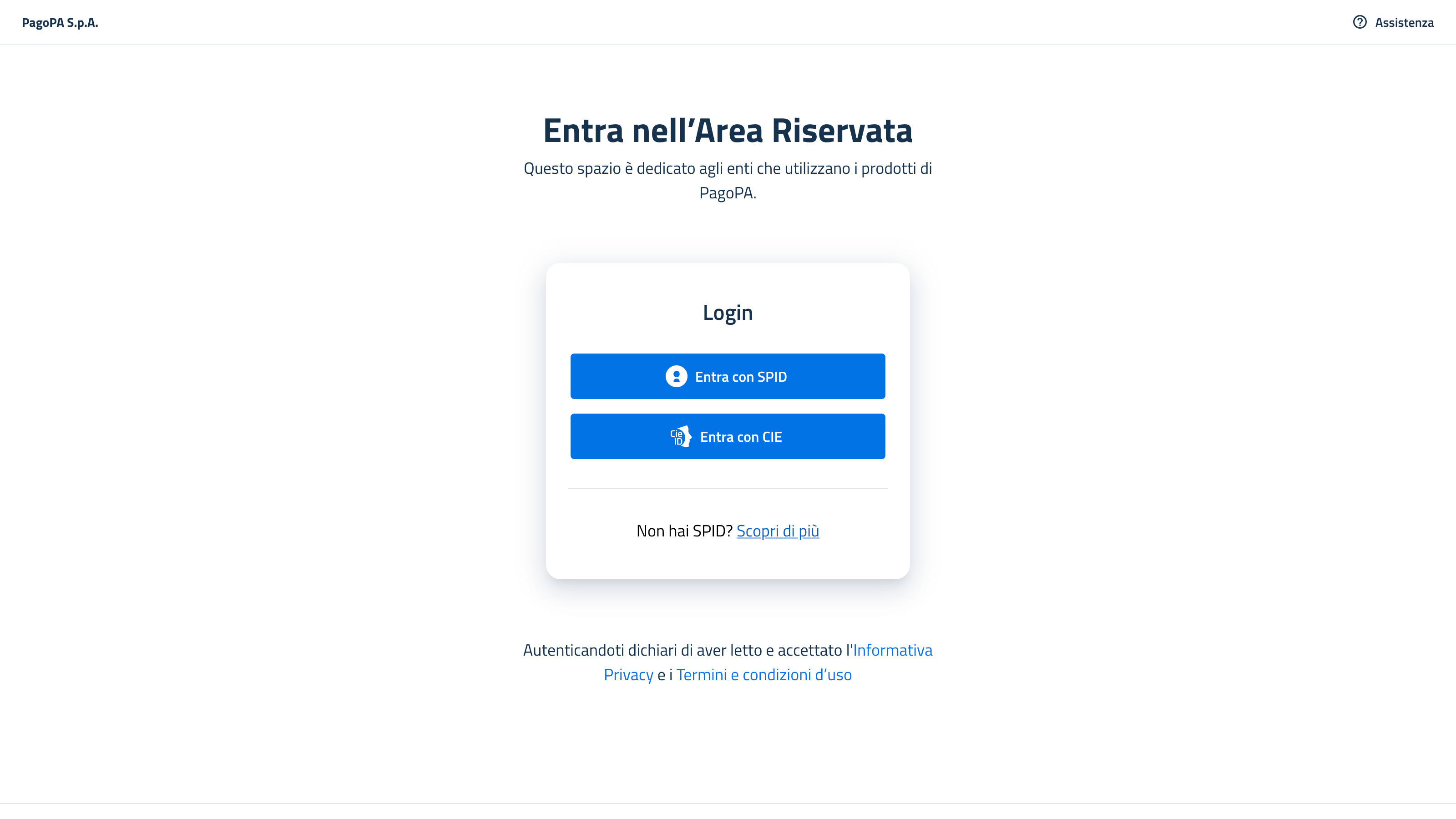
Step 1: Log in
Login using SPID or CIE.
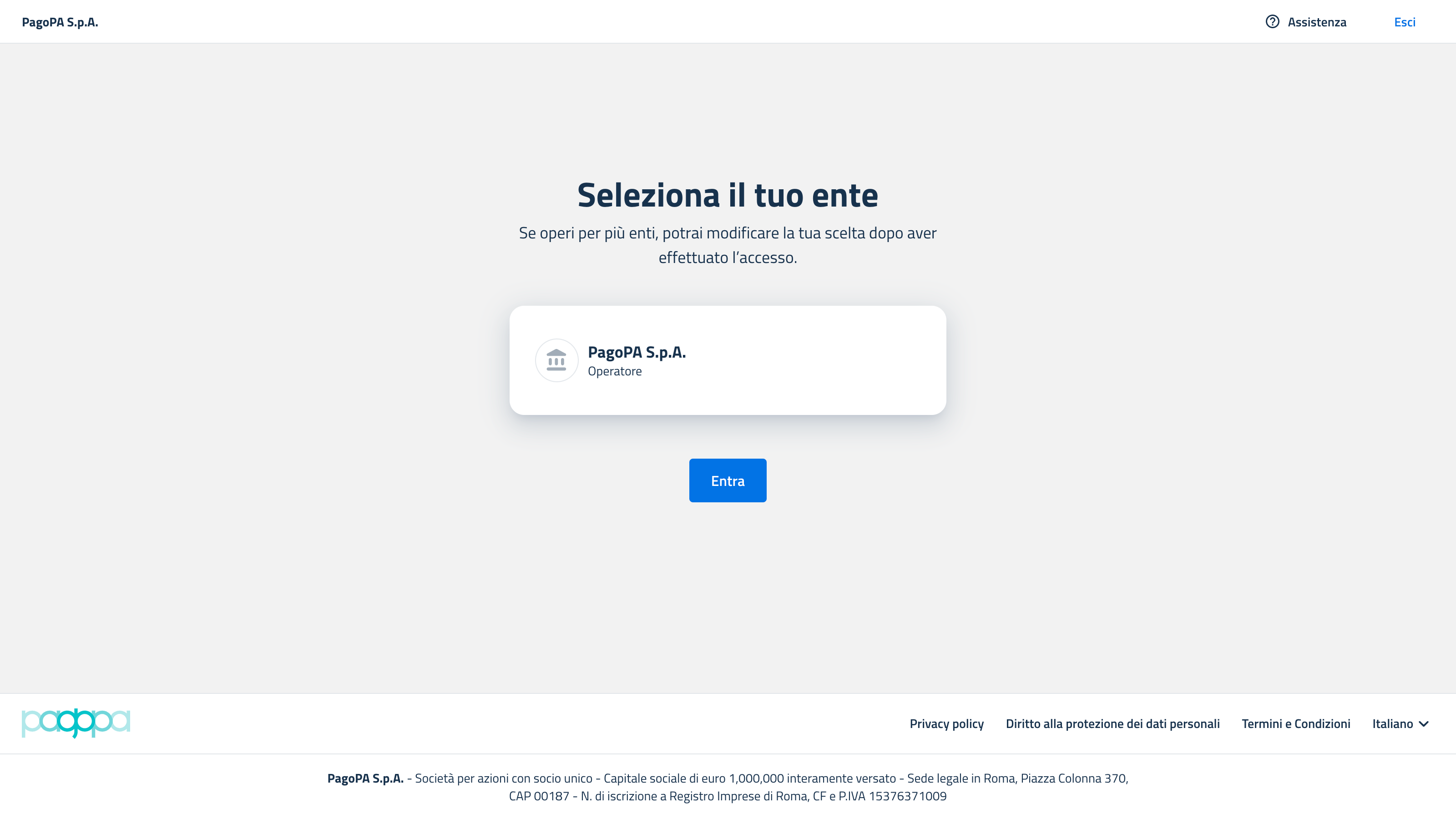
Step 2: Select the party
Select the party for which you are working.
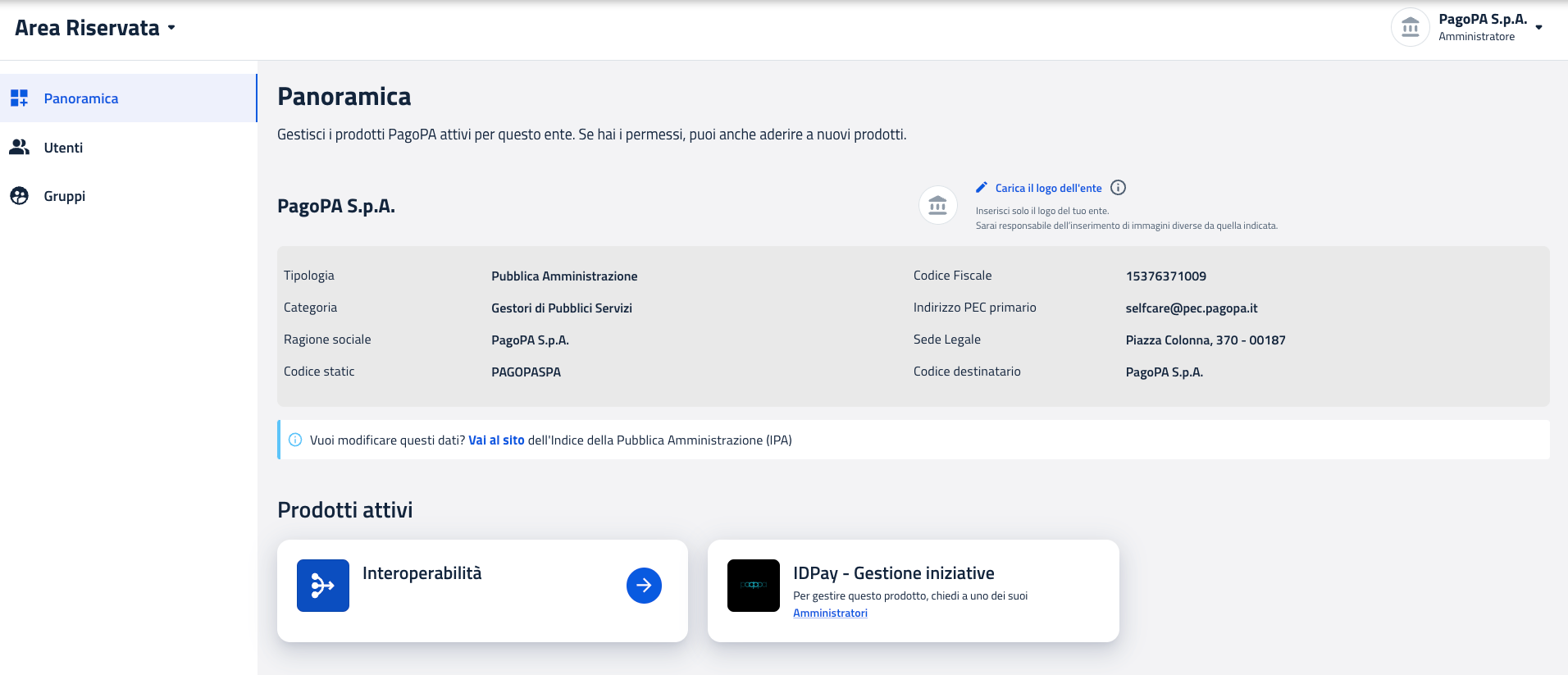
Step 3: Select PDND
Choose the product PDND (Interoperabilità).
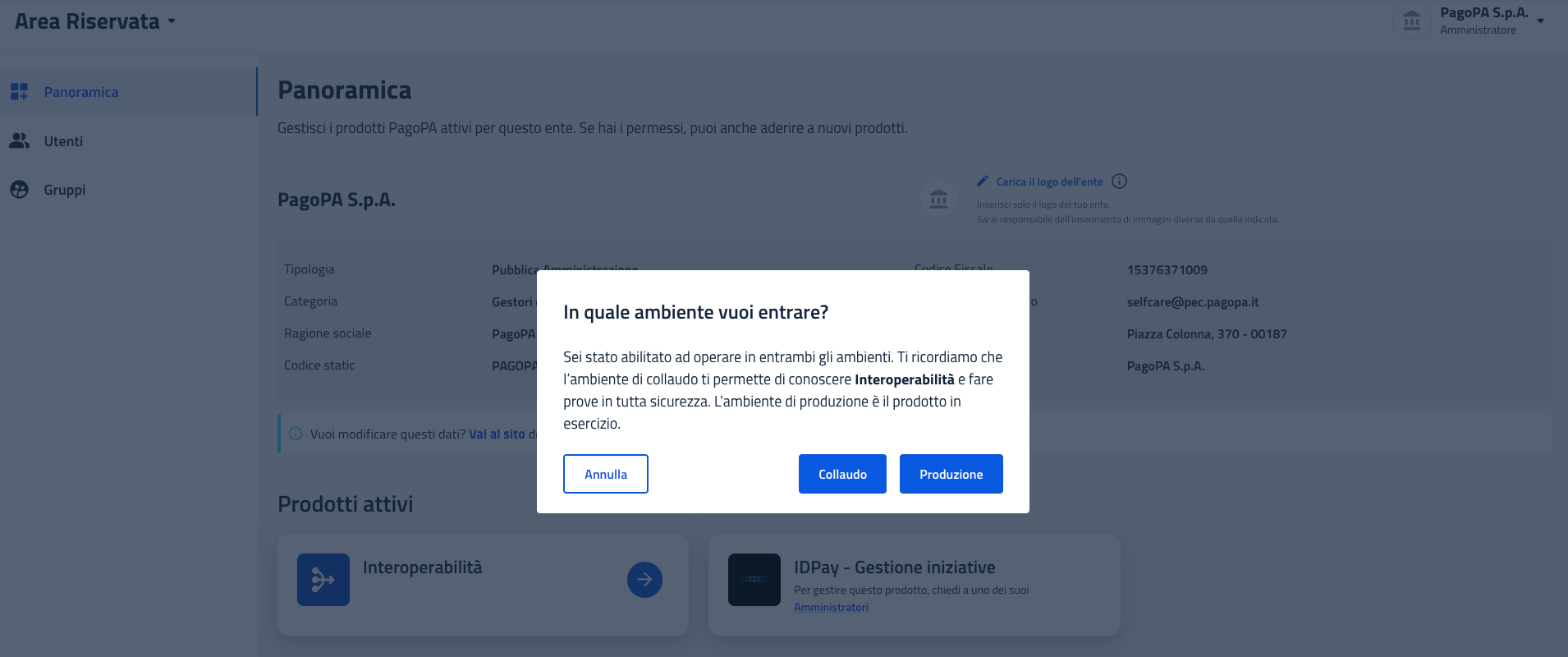
Step 4: Select the environment
You will be asked to choose the environment in which you wish to operate: Testing, Validation, or Production.
You will then be redirected to the requested PDND environment.