Table of contents
Payment
A button located on the page under “To be paid” that shows the details of a specific notification that was not canceled but not yet paid activates the payment path for the payment notice associated with the notification, using pagoPA.
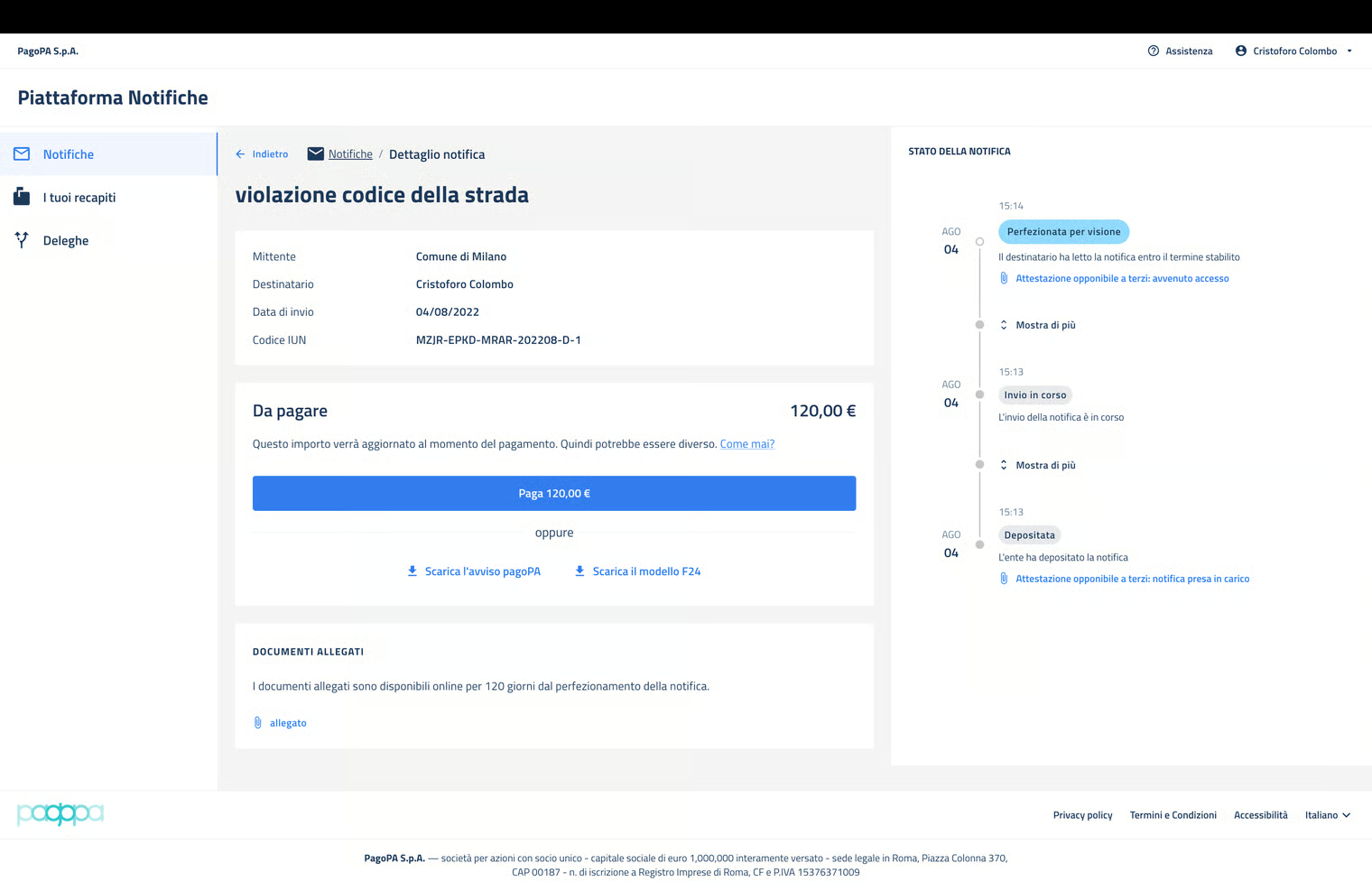
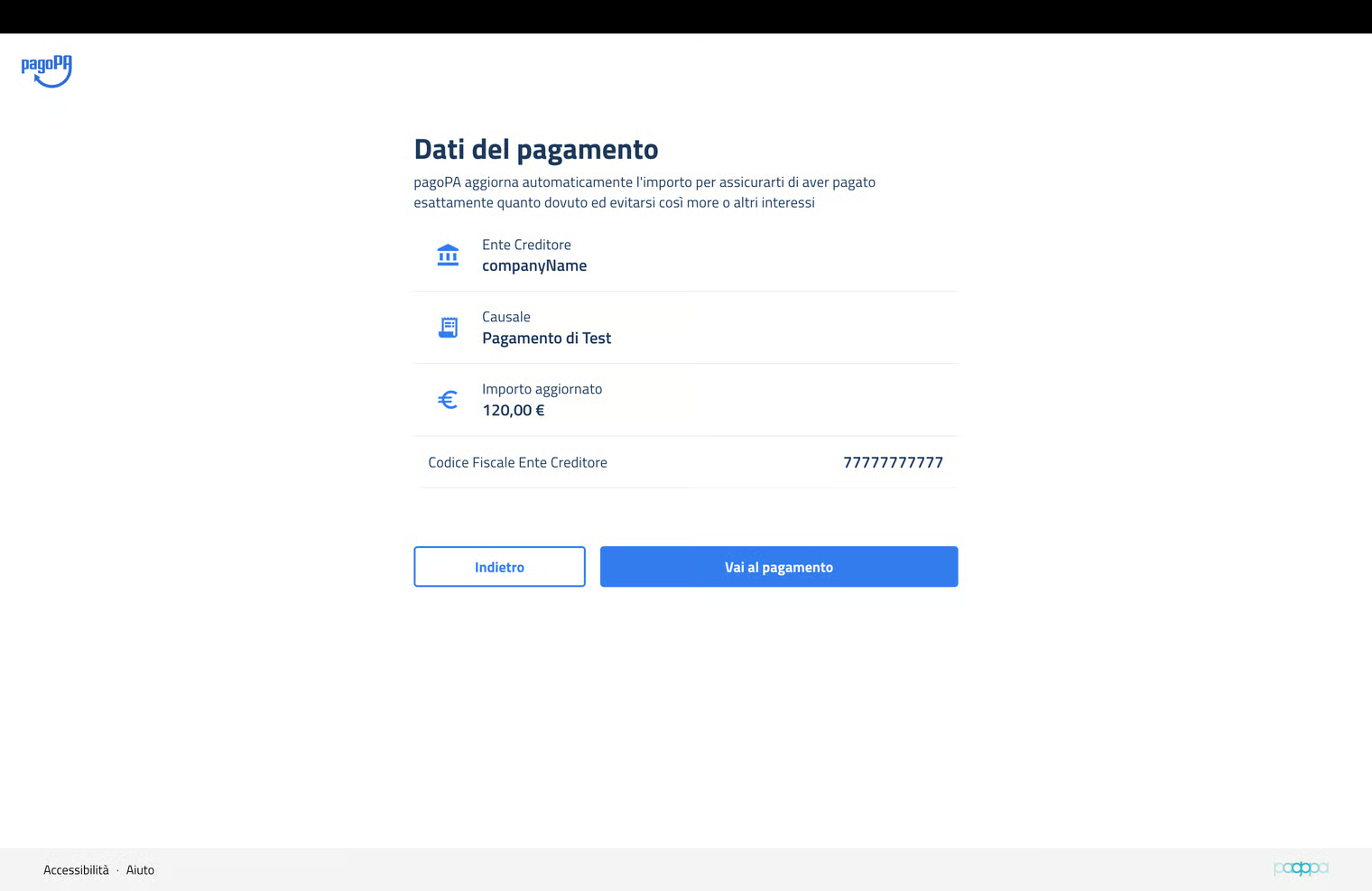
The user is addressed by a screen where the data necessary for proceeding with the payment must be uploaded. The path is the one used by pagoPA for every type of payment.
In case of a positive result, when reloading the page, the payment will be shown as completed and the event of the completed payment will be visible on the timeline.
The presence of this event, or the fact that the payment is in progress, disables the payment button located on the page.
If is also possible to use the pagoPA notice or the F24 attached to the notification to make the payment using channels other than the online ones offered by NP. In this case, the event of completed payment will not be added to the timeline and the button will remain enabled until the user enters the notification through the portal or the IO app following the completion of the payment and, in the case of the 'F24, after the closure of the debt position by the sending PA.
ATTENTION: in the case of multiple or joint and several recipients of the notification, it is performed by one of them. The PA will manage the collection of the notification expenses for the joint and several recipients outside of the Notification Platform.
