Table of contents
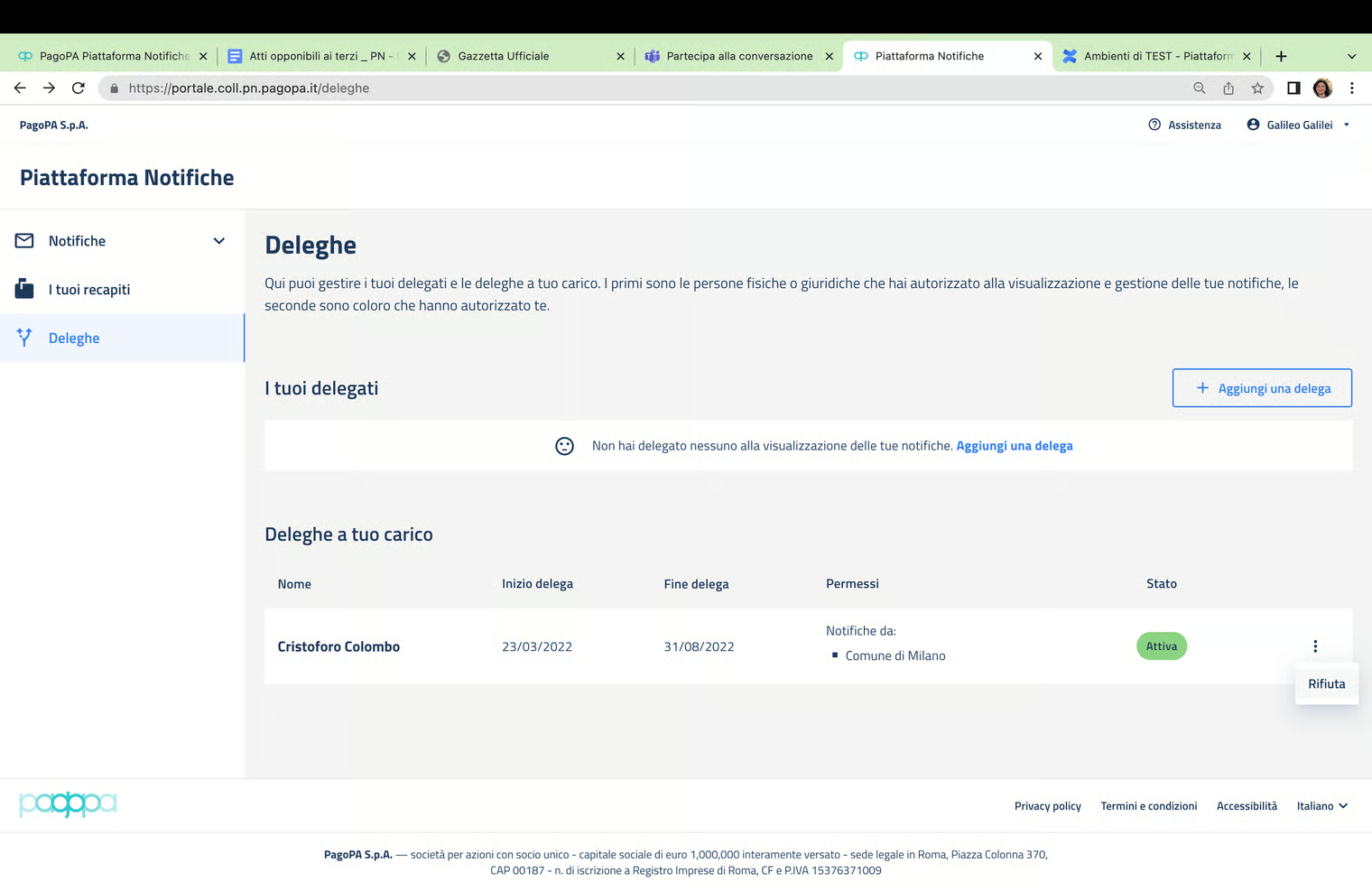
Refusal of a delegation
By selecting a delegation with “waiting for confirmation” or “active” status received by the user and pressing the “Refuse” button from the menu, the NP requests confirmation of the operation and then changes the status of the delegation to “refused”.