Table of contents
Configuration of digital addresses
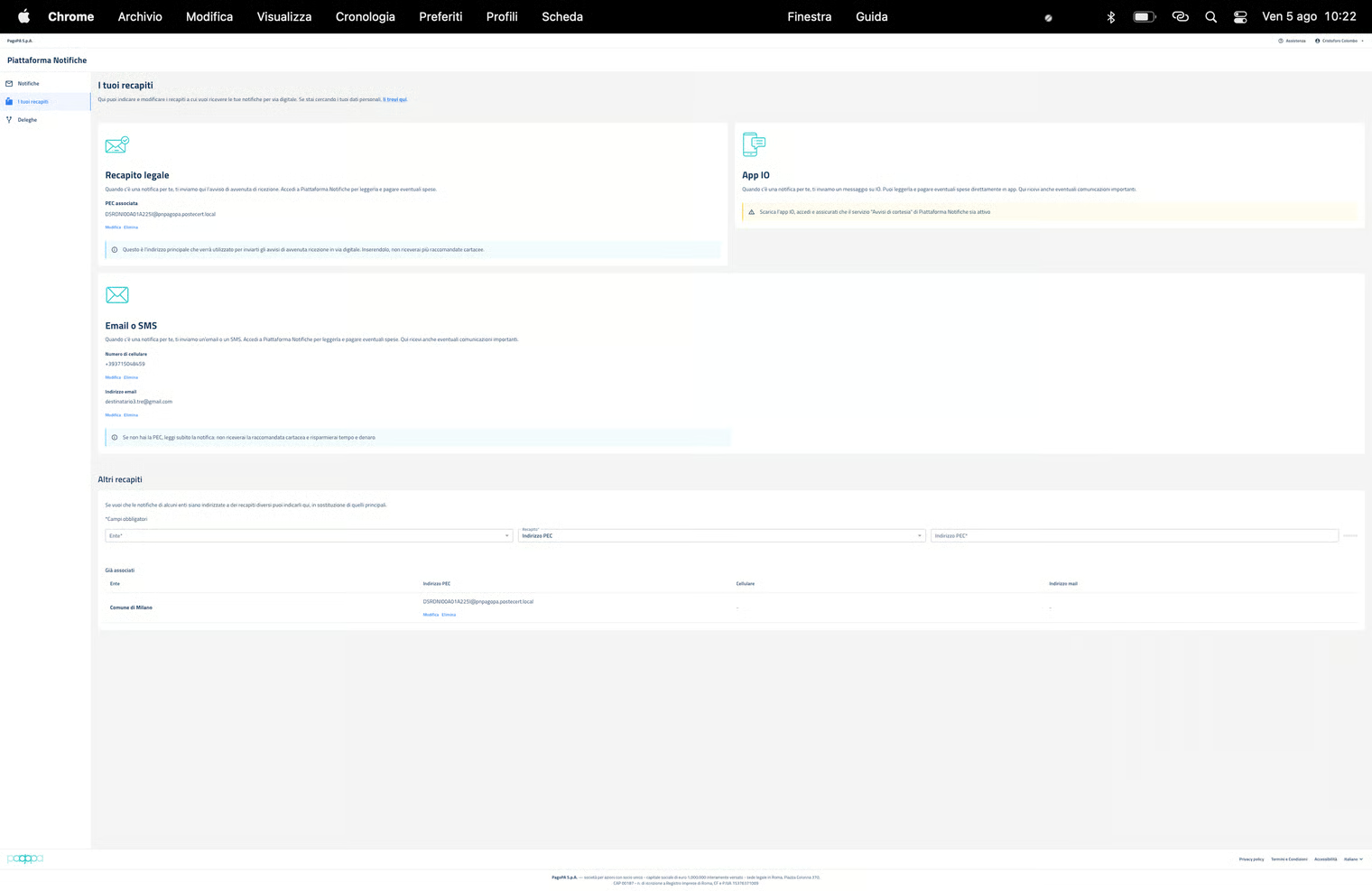
NP makes it possible for its users to configure their legal addresses (PEC/SERCQ) to be used preferentially for the notification by NP for documents coming from a sending PA.
Other digital addresses can be configured for the sending of courtesy messages, such as: Email, cell phone number, access via the IO app to the “Courtesy notice” service provided by NP.
Furthermore, NP makes it possible to configure other digital addresses, other than the main one indicated in the “Legal address” box, to receive notifications from specific institutions to be indicated in the “Other addresses” box. In this way, the user can use different email addresses and communication channels to separate the notifications and courtesy messages coming from different PAs.
ATTENTION: in the absence of a PEC/SERCQ address in the “Legal address” box and/or an email/cell phone number in the “Email or SMS” box, it is not possible to indicate one in the “Other addresses” box.
NP permits a single configuration for each of the digital addresses: therefore it is not possible to add additional addresses, in addition to those already indicated, as a legal address and/or an additional email address/cell phone number.
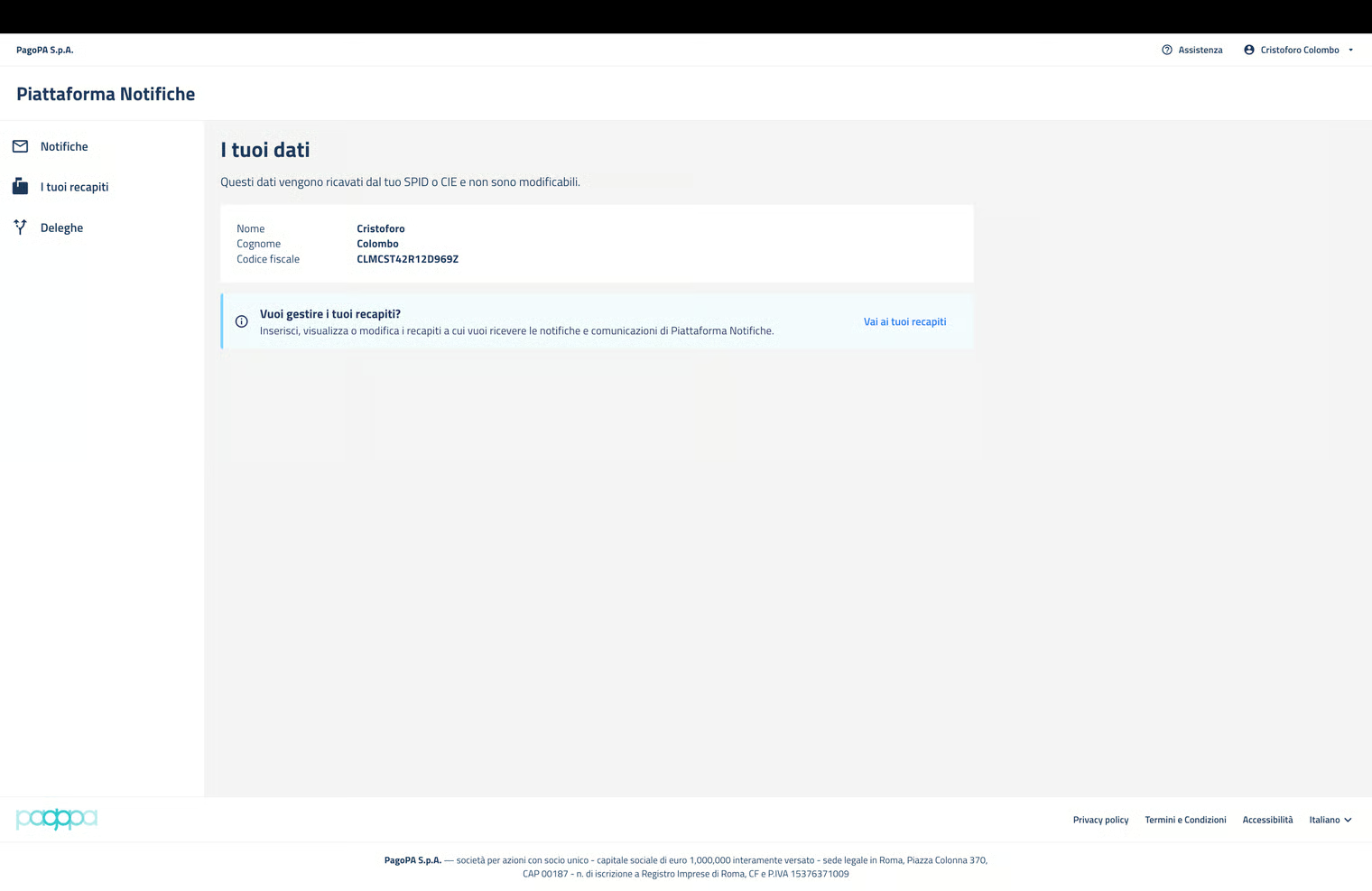
The user can access “Your data” in the “Your addresses” section and view the data obtained from SPID/CIE.