Table of contents
Registration via the Reserved Area
Before being able to use the IO API, your institution must first have an active basic registration. If it is not registered, the first step is to perform the IO app onboarding process in the Reserved Area.
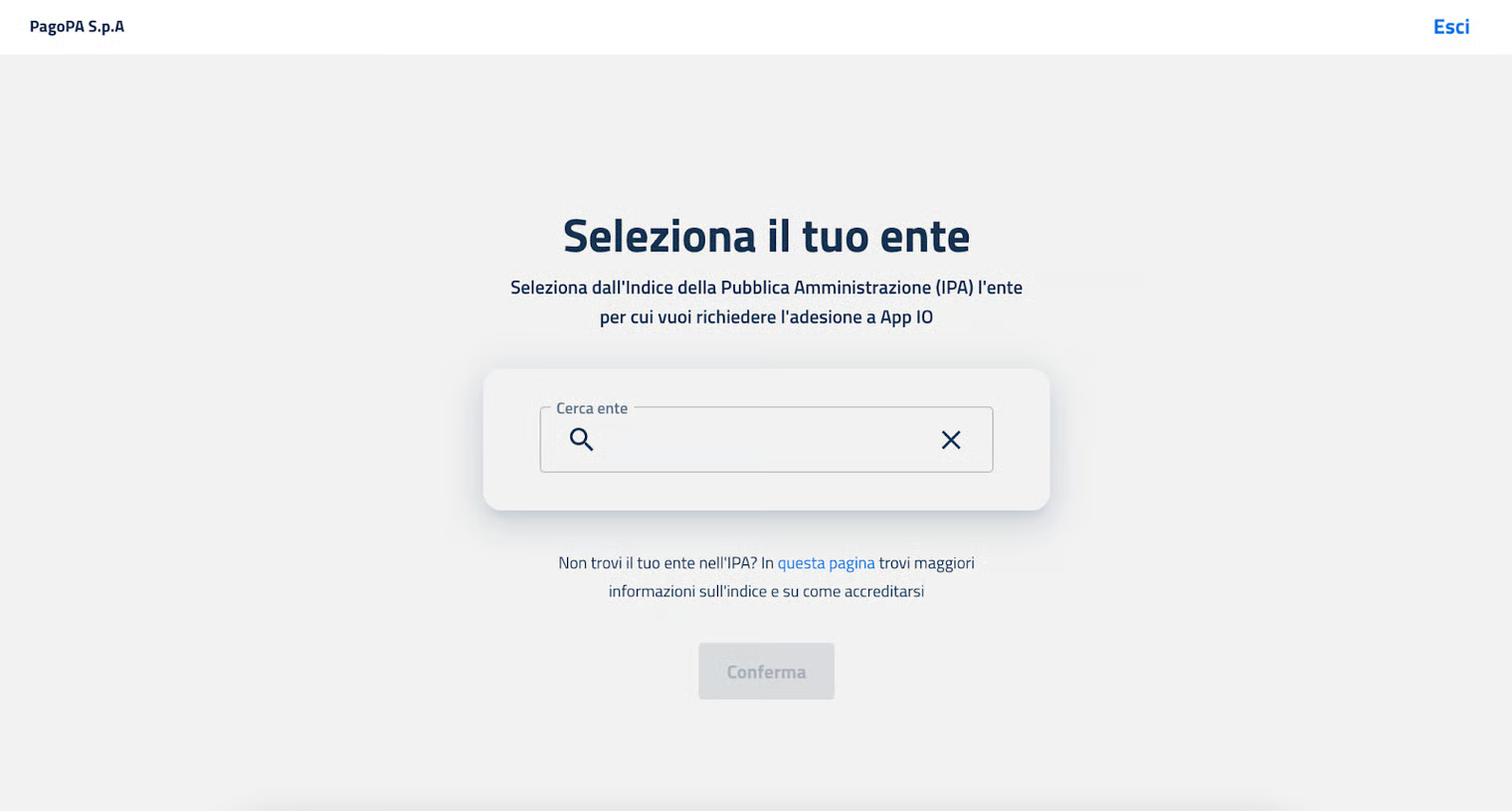
During the registration process, enter the data for:
- a legal representative of the institution;
- one or more administrators, that is the people who will have all the permissions for that product.
Once all the data has been entered, the Reserved Area will send a contract to the PEC (certified email) of the requesting institution. It must be signed digitally by the legal representative and loaded in the Reserved Area using the magic link indicated in the PEC.

Haven't completed onboarding yet and need help?
Write an email describing your problem or question to the address areariservata@assistenza.pagopa.it.


Tell us what you think
To report problems or give feedback, leave a comment in the GitHub space of the IO app