Table of contents
Try a service being tested
If you want to view the tab for a service being tested but not yet visible in IO, follow these instructions.
Step 1- Create a test service
If you have not yet done so, discover how [.](./ "mention").
Step 2- Send a message
Send a message to your fiscal code using the service that was just created.
1curl --location --request POST 'https://api.io.pagopa.it/api/v1/messages/FISCAL_CODE' \ --header 'Ocp-Apim-Subscription-Key: __YOUR_API_KEY__' \ --header 'Content-Type: application/json' \ --data-raw '{k content": { "subject": "A new message subject", "markdown": "A message body markdown Lorem ipsu xxxxxxx dsdfsdfdsfsdfsdfsdfdsfdsfasdasdasd on min 80 character" } }'
2
Step 3- Open the message in app
Wait for the message to arrive in app, then select it to view the content.
You can force the update of the message list by scrolling downward (pull to refresh).
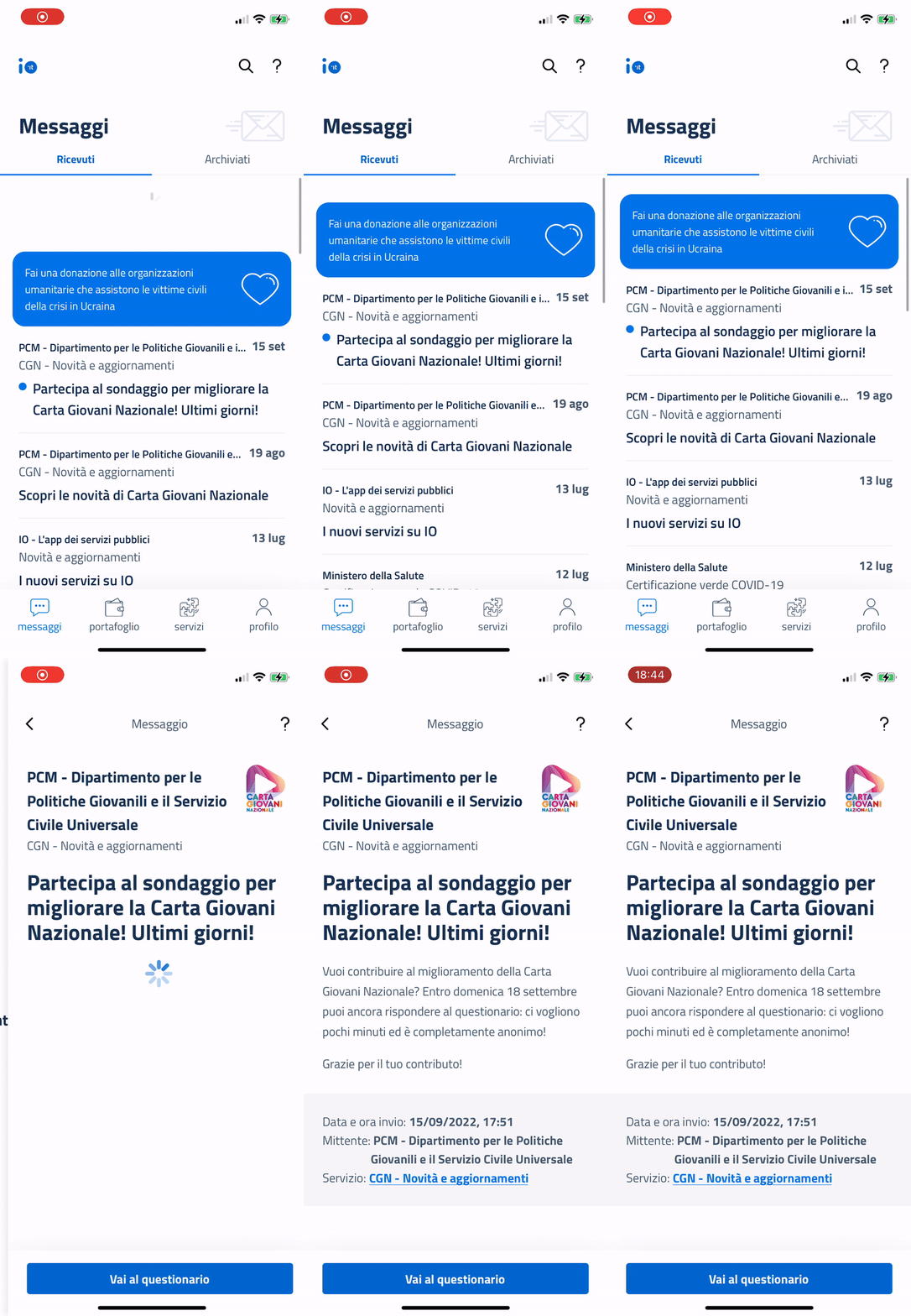
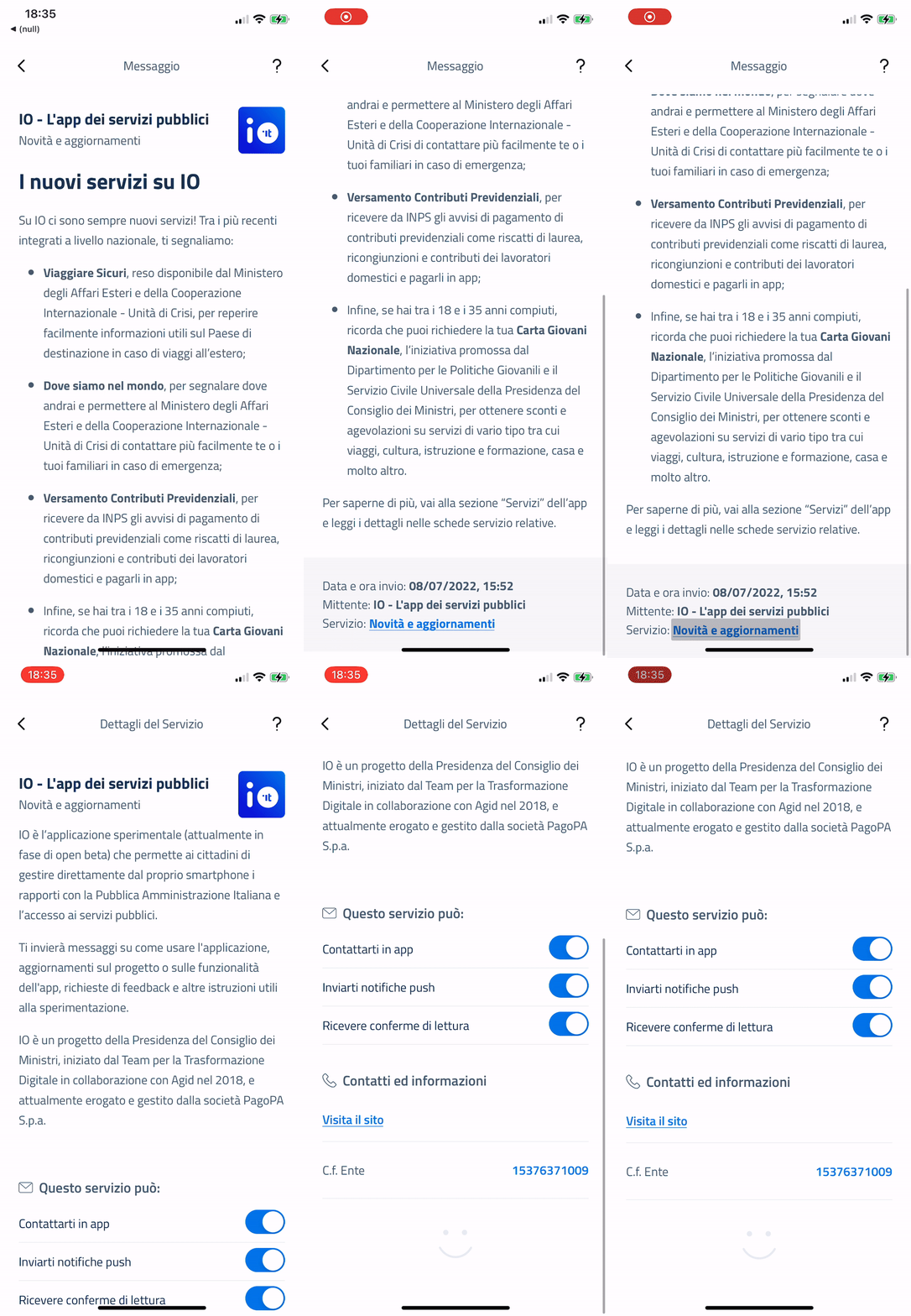
Step 4- Open the service tab
At the bottom of the message, you can see the name of the service that sent it: select it to view the service tab.

Haven't completed onboarding yet and need help?
Write an email describing your problem or question to the address areariservata@assistenza.pagopa.it.


Tell us what you think
To report problems or give feedback, leave a comment in the GitHub space of the IO app