Table of contents
2️⃣ API mode
If the operator has decided to join the program through its web and/or e-commerce site and via the API model, the identification of the beneficiary as being entitled to the opportunity coincides with the application or recognition of the opportunity itself during the purchase phase, through the following steps:
- The beneficiary selects the good/service subject of the opportunity on the e-commerce site of the operator and arrives at the “checkout” page;
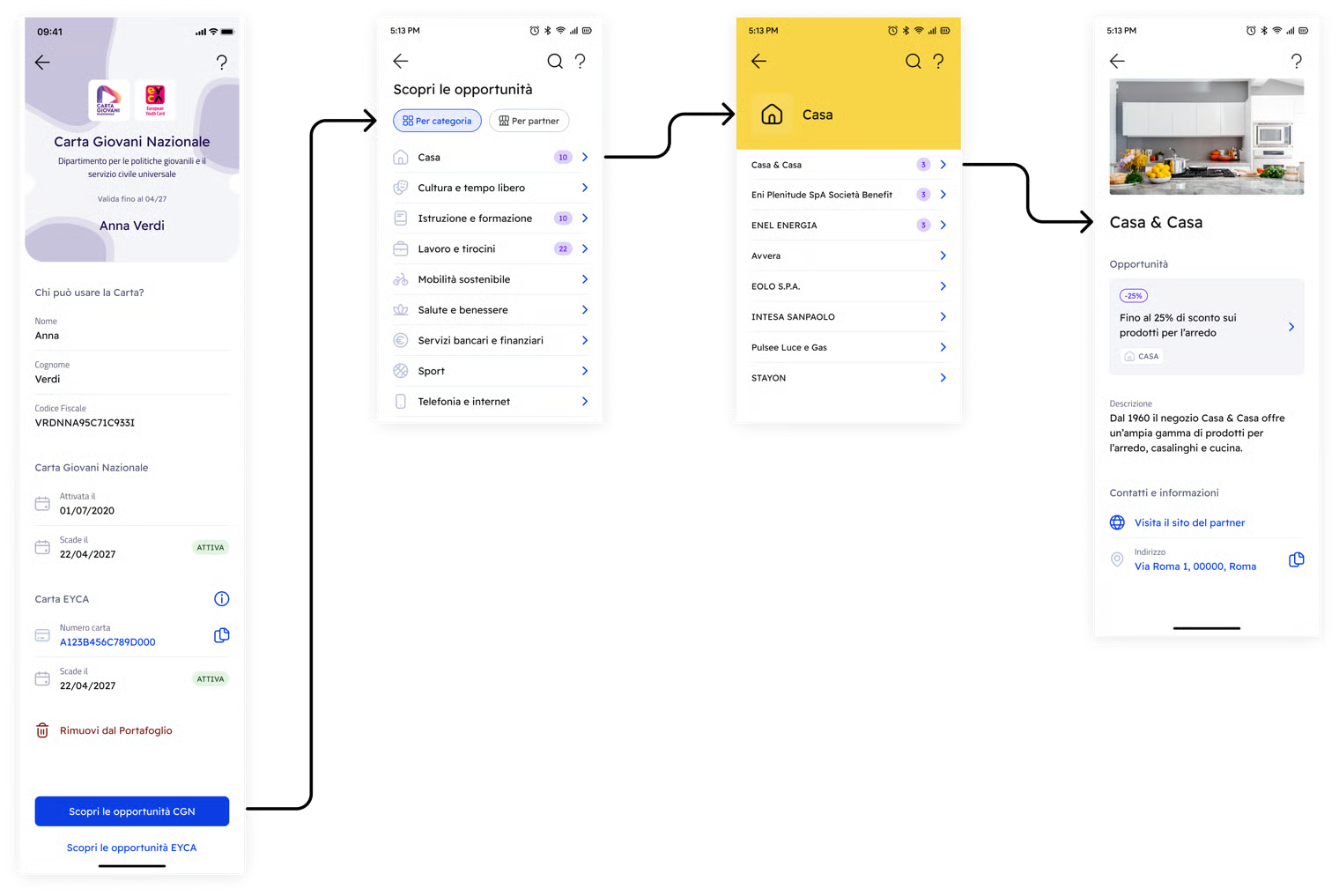
- At the moment of purchase, the beneficiary accesses its CGN on the IO app, opens the screen related to the opportunity and generates a temporary discount code (OTP) for that opportunity, which will last 10 minutes or until completion of the transaction, if sooner;
- The beneficiary enters the generated code in the field provided by the operator on its e-commerce site for the application of discounts and opportunities;
- The operator's system queries the APIs provided by PagoPA S.p.A. to check the validity of the code.
In case of a positive response (code 200), the opportunity is applied to the transaction and the corresponding OTP that was used is invalidated to prevent further use. In case of a negative response (code 404), the operator views the relative error message and the opportunity will not be applied.
Errors connected to the failure of the validation phase include the following states:
- OTP code expired (if not used within the 10 minutes of validity);
- OTP code invalid (code 400);
- OTP code inexistent.
The IO app systems that perform validation also automatically check if an OTP code already exists that is valid for the requesting beneficiary for the specific opportunity. If there is an OTP code that is still valid for that opportunity (because it was not used or has not expired), error code 409 is returned to the operator, which indicates the conflict with an OTP that is still valid.
Operators who want to join using API mode must strictly comply with what is described in the technical documentation, which can be found at this link, which is to be considered an integral and substantial part of the agreement pursuant to this reference.
Once the agreement request has been approved by the Department, the operators who chose the API mode can find their API keys in the “Profile” section on the portal. If required, operators can generate new API keys in the same section.
User experience
.png)
.png)
The OTP code can be pasted directly into the e-commerce field. If valid, the discount is applied to the cart
OTP format
The OTP codes generated by the IO app for CGN have 11 alphanumerical characters and use the English capital alphabet.
An OTP univocally identifies an online purchase attempt and therefore can be used only one time.
An OTP univocally identifies an online purchase attempt and therefore can be used only one time.

Haven't completed onboarding yet and need help?
Write an email describing your problem or question to the address areariservata@assistenza.pagopa.it.


Tell us what you think
To report problems or give feedback, leave a comment in the GitHub space of the IO app